It’s early 2026, and coding agents remain rather bound to the terminal. Some products are moving from graphical interfaces to terminals, and even products moving the other direction are largely reproducing the terminal experience, just with mouse support. To manage agents on the go, developers are using remote shells from their phones. This is… fine? But it’s not great.
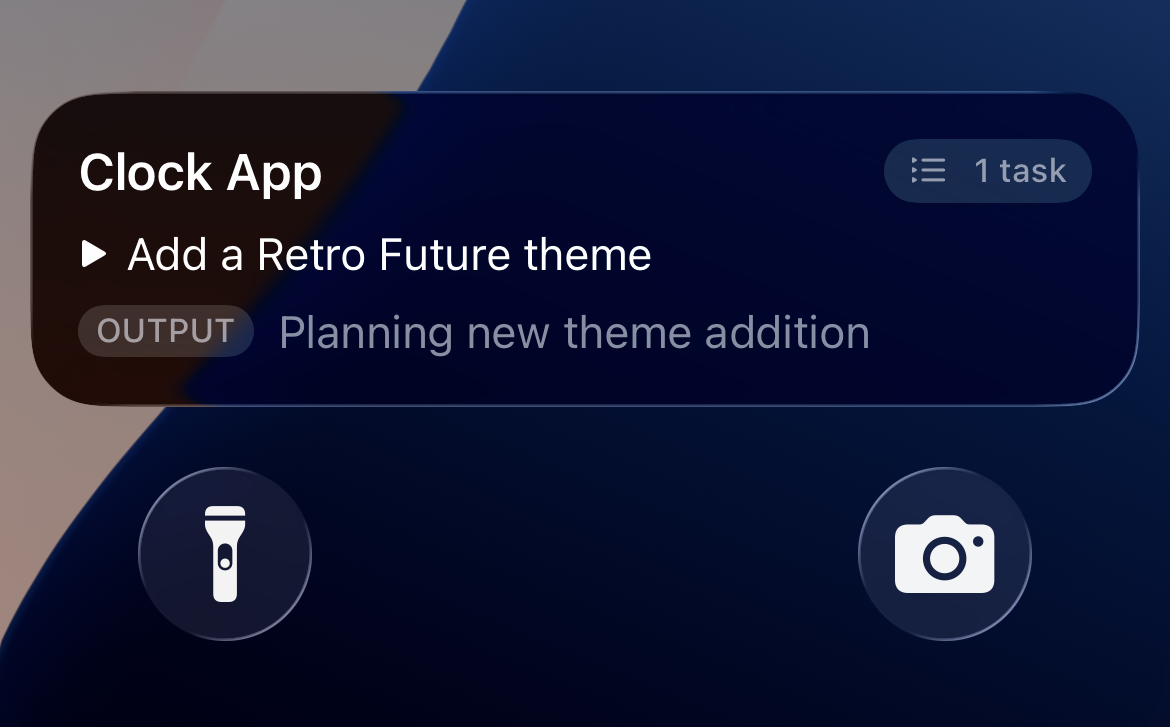
I’m of the opinion that the terminal is not the future of coding agents. The beauty of the terminal is its universality; it behaves (mostly) the same no matter where you are. But that’s another way of saying that it’s the lowest common denominator. And if you want something delightful, the lowest common denominator likely isn’t it.
Workstreams is my attempt to break away from the terminal and create a domain and interaction model for managing coding agents from any device. It’s based on a handful of related principles:
- State is a shared construct. The status of the project is not owned by the agent; rather it is an external data structure that is modified by both the human and the agent. (The human adds tasks, the agent completes them, etc.)
- The agent is not the root. In order to manage agents safely, there must be something robust and deterministic acting as a host. This root process can check the agent’s work, restart it if it crashes, and suspend it if it goes off the rails.
- Management is mobile-first. Everything in Workstreams is designed to support a great mobile experience. This doesn’t mean you must control the agent from your phone, of course, but everything is designed with that context in mind.
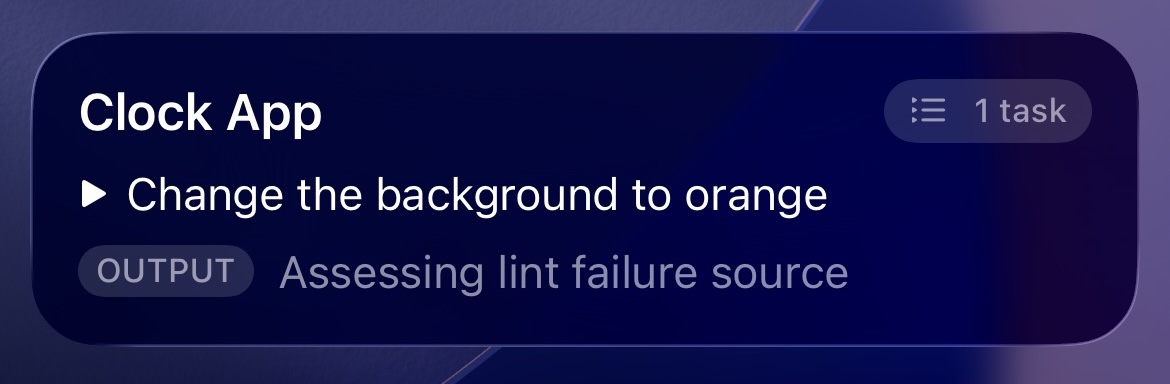
Those principles lead me to what I’ll call the widget test: A well-architected coding agent harness makes it trivial to display the agent’s status as a mobile widget, such as an iOS Live Activity. If this is challenging, or if there is any substantial hackery involved, the harness needs restructuring. Here’s the Workstreams Live Activity for a playground Clock App, working on a task to change the background color.
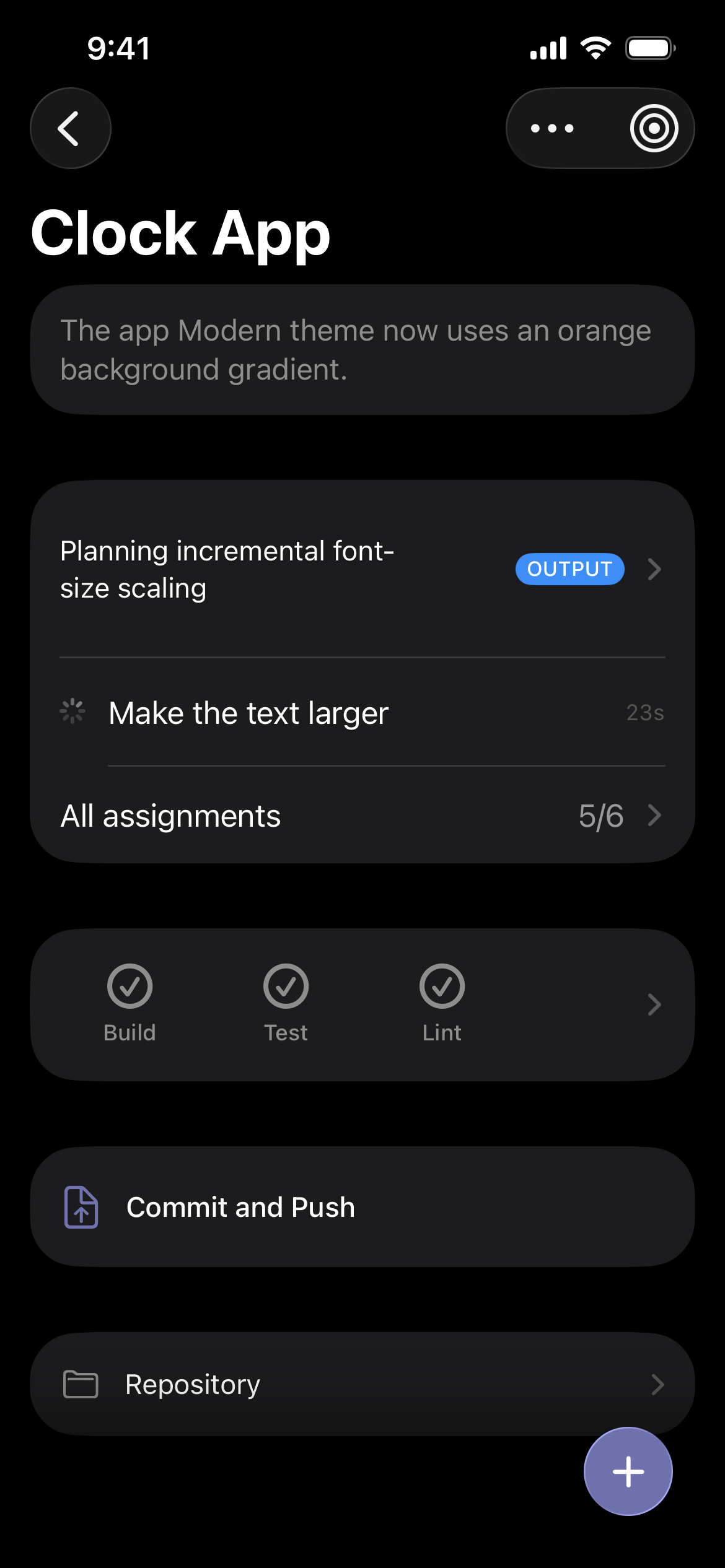
The key to UI flexibility is precisely modeled state. Every workstream has a shared, hosted state store that both the human controller and the coding agent (and, as we’ll see, some other participants) modify. Key aspects of state are:
- StatusWhether the workstream is running. Workstreams can be stopped at any time.
- SummaryA natural description of the current state of the project. (Useful for remembering where you left things off.)
- AssignmentsAn ordered list of work for the agent to perform.
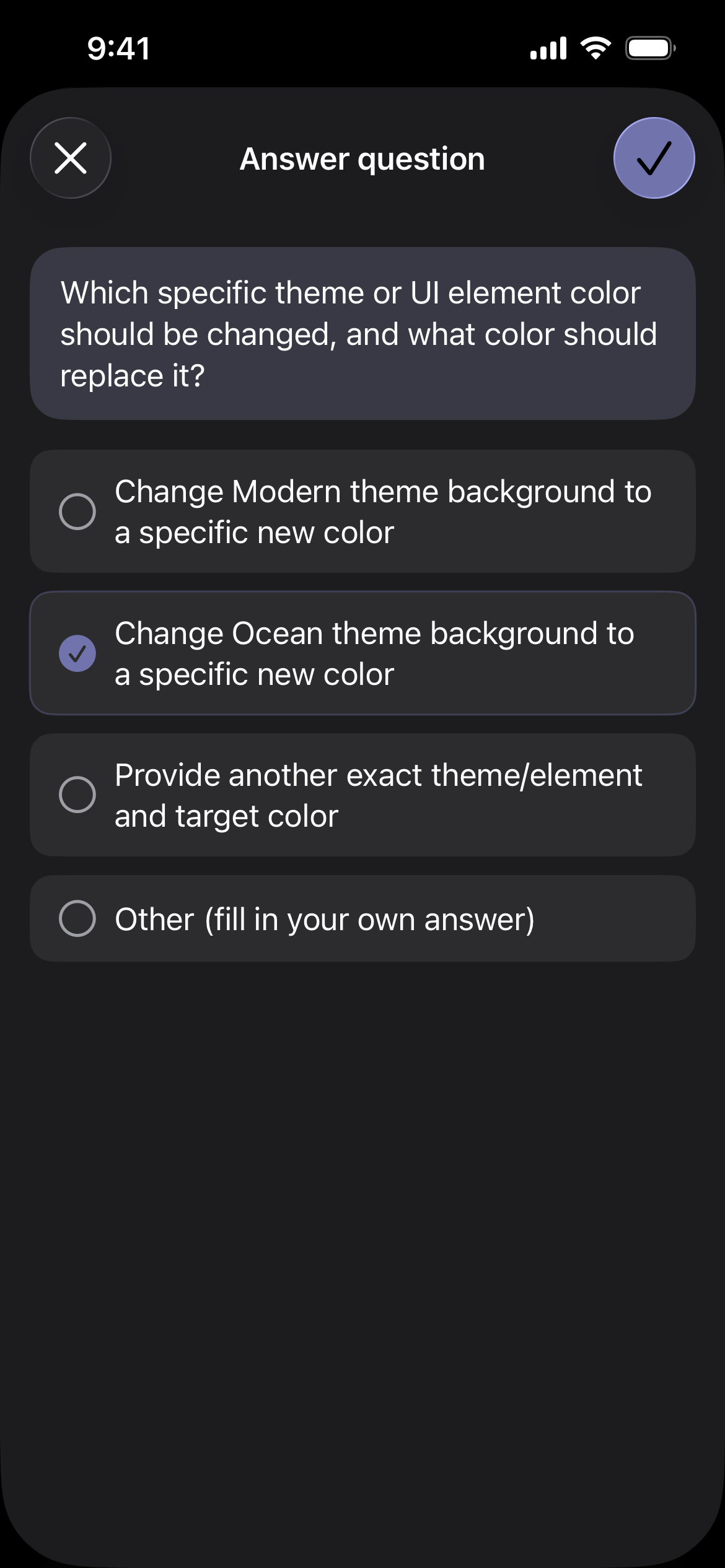
- ElicitationsQuestions or requests that the agent has for the developer.
- ReviewsThe results of automated checks. Reviews must pass before assignments can be marked as complete.
When the agent needs additional information from the developer, there’s a dedicated screen for providing that input.
The human developer and the coding agent are the two most important participants in a workstream, but they’re not the only ones. Other participants include:
- ChecksVerification procedures that must pass before tasks can be completed. These can include typical build and test scripts, but can also include more complex processes like agentic code reviews.
- BreakersSafety mechanisms to halt the workstream under concerning conditions. Breakers can use any signal or logic to determine when to stop the workstream, but a basic example is putting a cap on token usage.
- SchedulersEntities that can create additional assignments based on time of day or other conditions. These can be useful for recurring tasks like package upgrades and regular refactoring.
Every participant type is strictly constrained in what state mutations it can make. For example, schedulers can add tasks but not complete them; agents can complete tasks but not add them.
Most terminal-based and chat-oriented agent experiences are temporally linear: Whatever has happened most recently is most prominent (which, in this context, means at the bottom of the window). Workstreams is not strictly linear, however there is an Activity page to see what’s happened, in order.
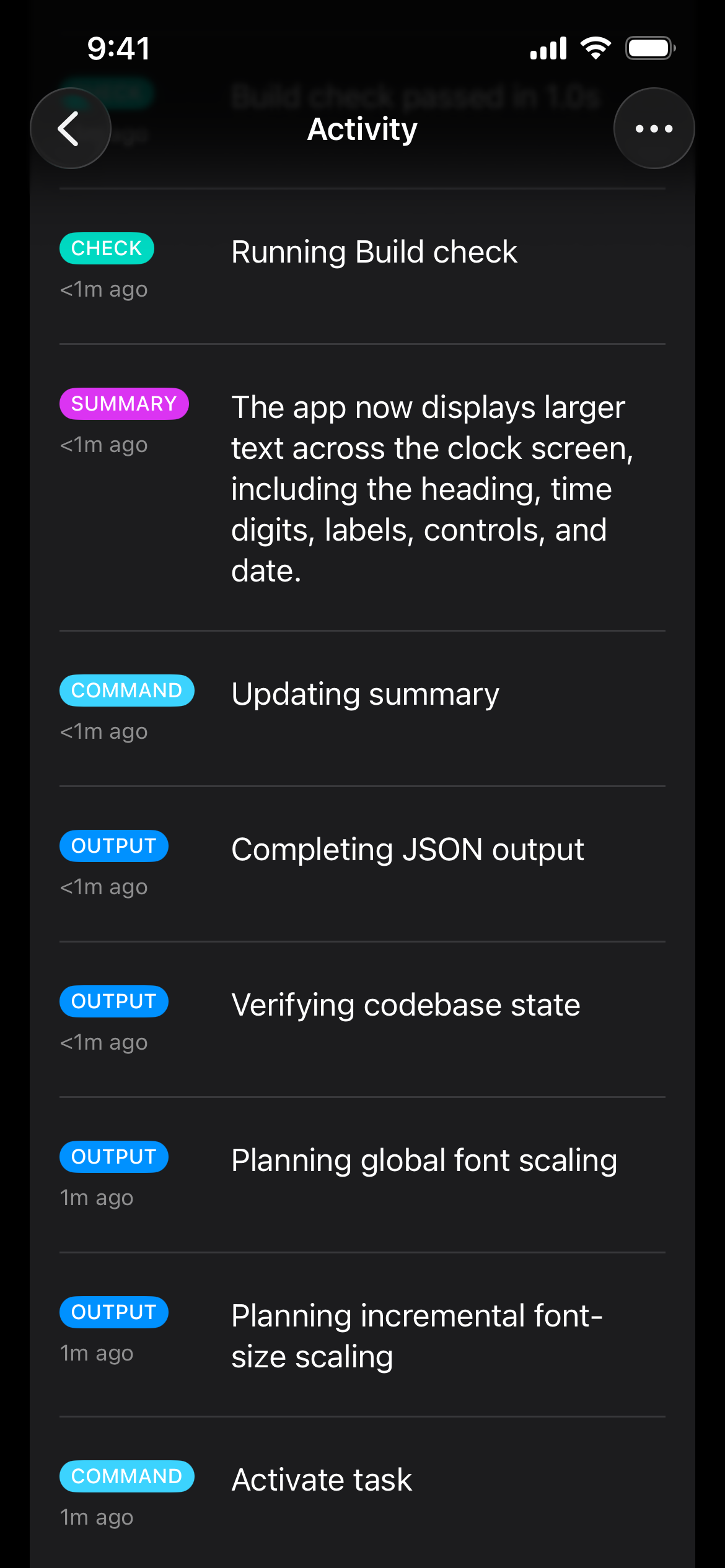
Workstream definitions can also contain actions, which are arbitrary procedures that can be remotely invoked, and locations, which are web bookmarks. These aren’t technologically complex, but they help make a workstream more of a proper control plane for a project, rather than just a chat.
For now, Workstreams has no notion of isolated work environments such as branches or worktrees; all work is performed directly in the current repo branch. This fits my personal preferred work style of queuing tasks instead of dealing with merge conflicts, however it would struggle to scale to larger projects or teams. I think we haven’t quite figured out the right primitives for managing parallel agent work; branches and worktrees are in the right direction but seem clunky in practice. I suspect that work isolation management might become an internal implementation detail, rather than always controlled by the developer.
Workstreams are, in and of themselves, full applications. In the simplest case, they can be instantiated with some basic metadata and an agent. But more full-featured workstreams can grow large enough to warrant proper multi-file factoring and directory structures.
const workstream = new Workstream({
  name: "Clock App",
  id: "clock-workstream",
  agent: new CodexAgent(),
  checks: {
    Build: "npm run build",
  },
});

await host(workstream);
We’ll see where things go, but I have a suspicion that we’ll land on “factory” as the technical term for this — a software application that autonomously or semiautonomously produces software applications (with fully autonomous ones being “dark”). Building and operating such infrastructure seems likely to be the new epicenter of software engineering. As we formalize factories and similar systems as key entities, I predict there will be an inversion of control: Instead of agentic behaviors being managed as resources (e.g. files) inside a code repository, a code repository will become a resource managed by an external factory. I’ve explored these ideas in more depth in Enter facilities.
Workstreams is far enough along to be useful, but I have a lot I’d like to add:
- Mac and web apps. Designing iOS first helped ensure the state was modeled well, but I still want to be able to manage agents from my desktop.
- Previews. When a task is complete, I’d like a screenshot of the application included with the text summary.
- Advanced checks. Linting is great to have, but I’d also like a full agentic code review to happen after task completion.
- Additional language support. Currently, workstreams and hosts are all in TypeScript, but the state modeling is language agnostic. It feels a little odd having TypeScript workstreams in my non-TypeScript projects…
I can’t say for sure what direction coding agent orchestration will head this year, but I can say there’s way more power when you think outside the terminal.