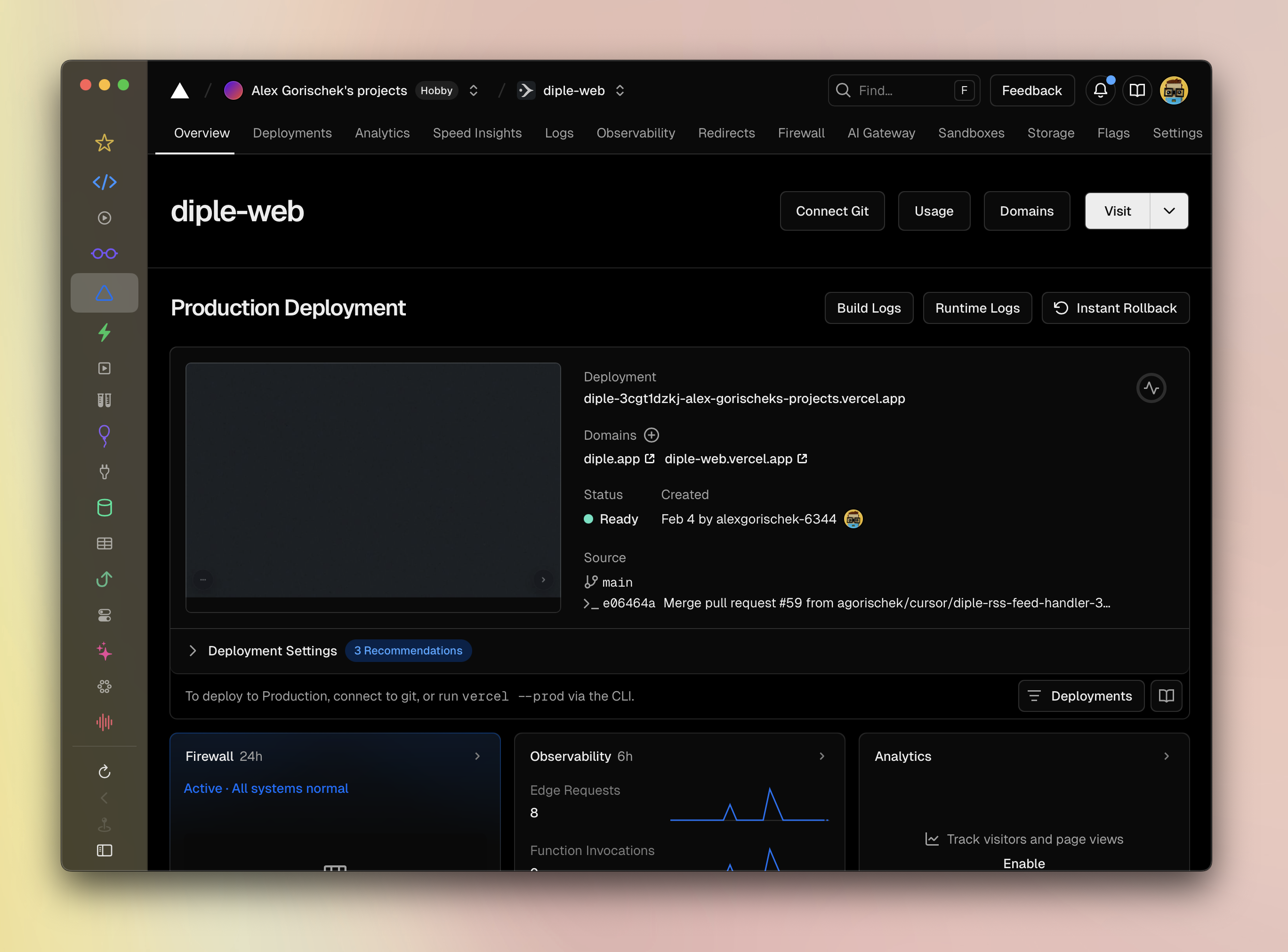
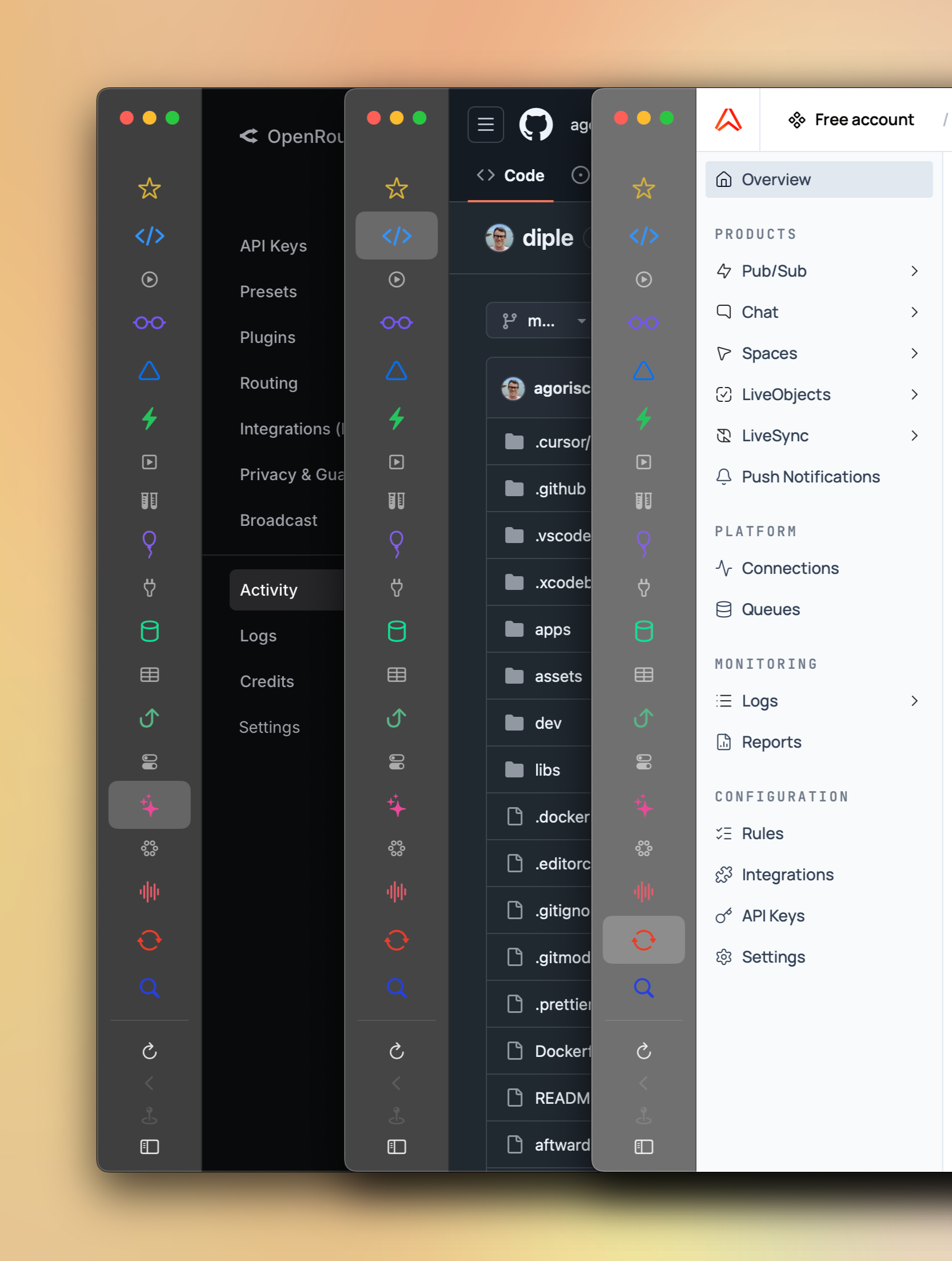
Globe is a macOS app for building custom workspaces from multiple pinned websites. I built it because the cloud estate for my Diple project was growing out of control and I couldn’t remember where anything was. Browser bookmarks help, of course, but not enough. The basic premise seemed simple: I wanted an app where each left nav item was pinned to a particular site, and following links away from that site would open the system browser. This setup makes the pinned sites “stable” and all other tabs ephemeral.
But things are never actually simple, are they? I quickly plunged into the countless particulars and quirks of browser UI, and couldn’t resist adding a dozen little touches just to make it all feel nice. My top priority was ensuring that all the bookmarks were quickly recognizable, so all sites can be given custom names, icons, and theme colors. Websites already have titles and favicons of course, but those are defined from the perspective of their overall product; Globe lets you define these from your project’s perspective.
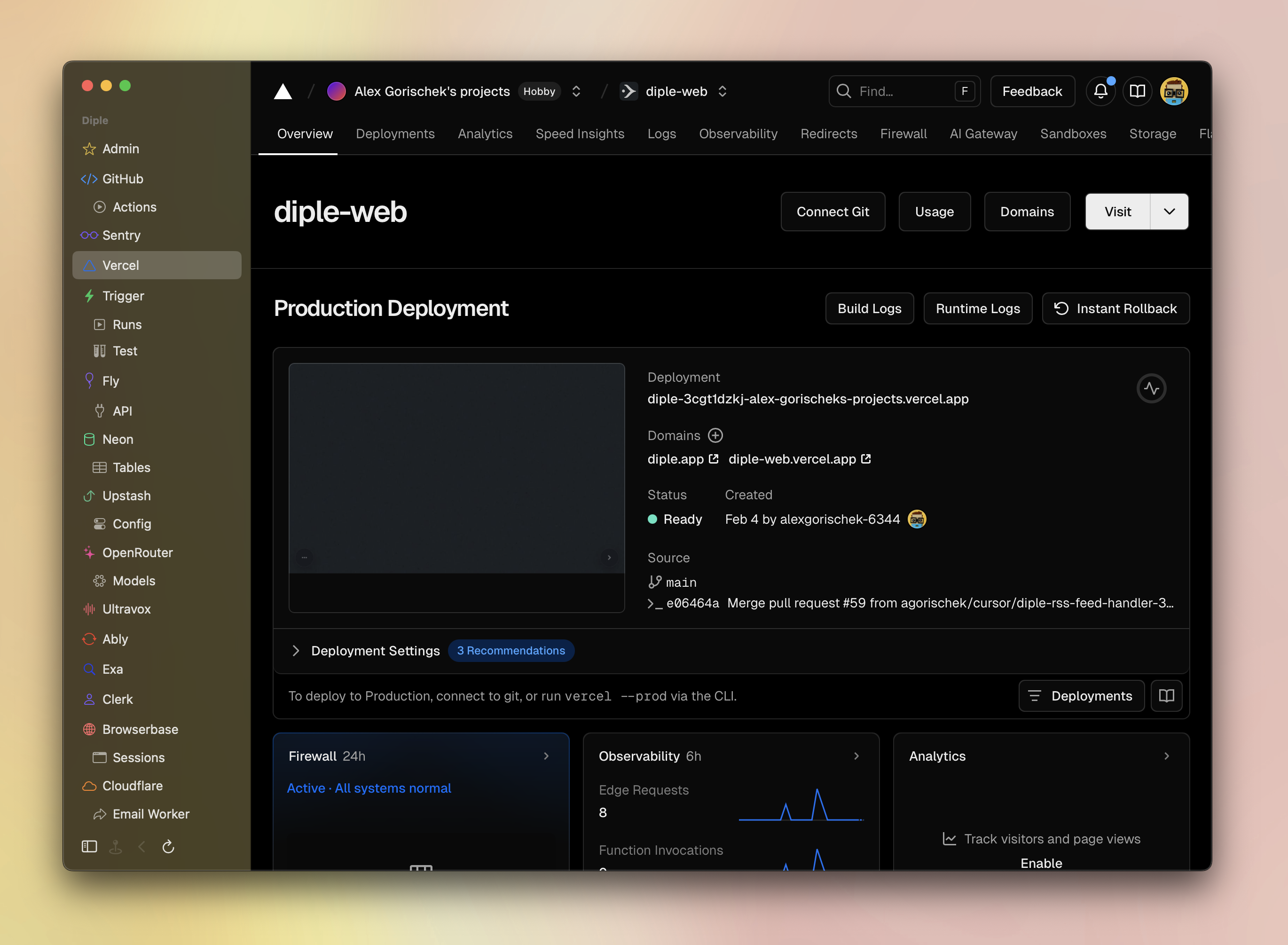
I eventually found that the text was unnecessary and the icons were enough, so I added the collapsed view shown earlier.
One of the tricky bits was defining what counted as “the same site”. I ended up using configurable regular expressions per site to define what URLs could stay in-app versus get sent to the browser. Double-clicking a site in the nav bar always returns the tab to its pinned “home”. Sometimes it’s necessary to jump back and forth between 2 or 3 specific pages, like when configuring DNS records or API keys. For those situations, pages can be opened in tabs at the bottom of the screen.
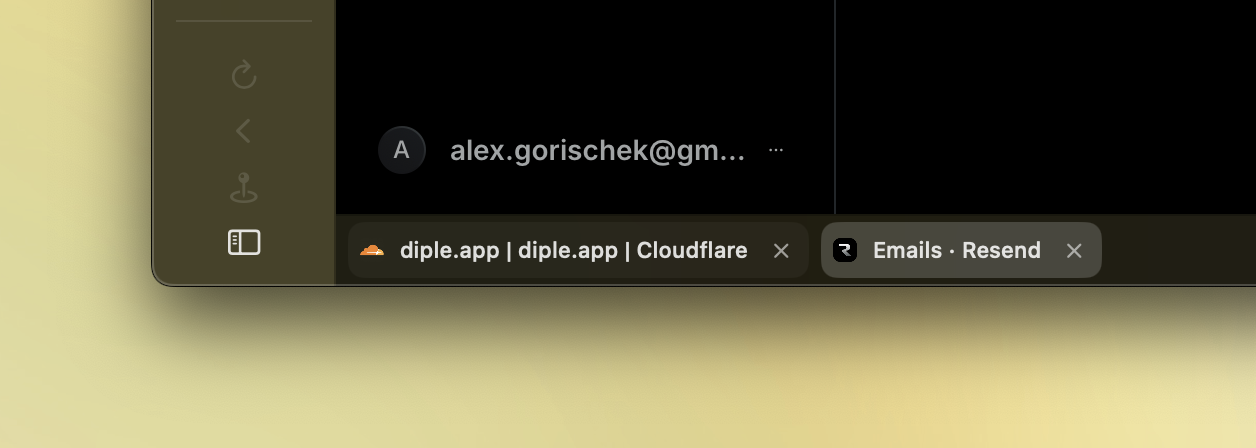
Globe is a document-driven app, meaning each window maps to a configuration file, called a projection. This allows projections to be easily source-controlled. In theory I could add full in-app graphical UI for editing configuration, but so far it hasn’t felt worth it. Maybe someday.
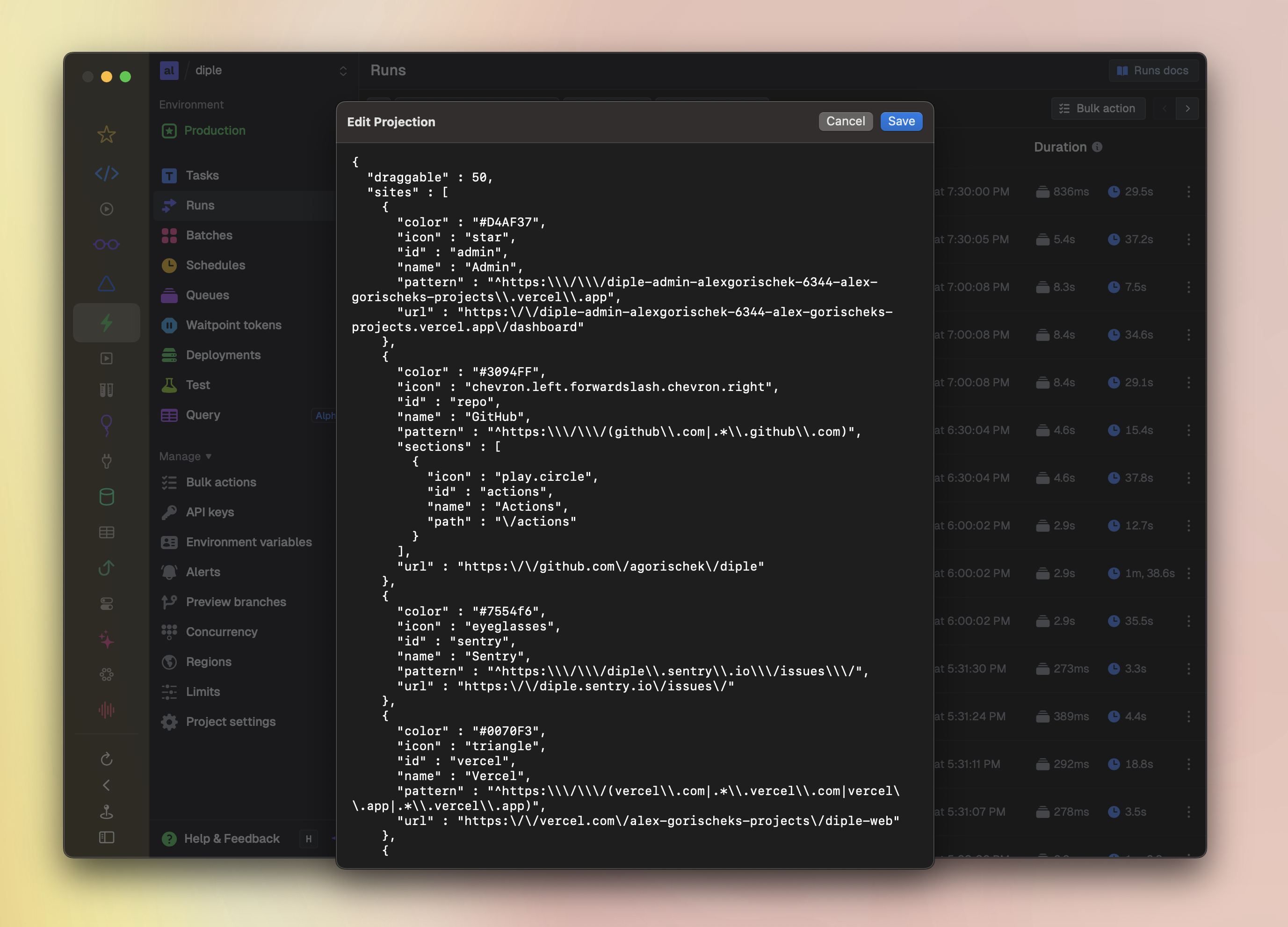
After using the app for a while, it started bothering me that the native macOS UI felt totally unrelated to the webpage content, so I made the nav bar’s tint reflect the current webpage’s background.
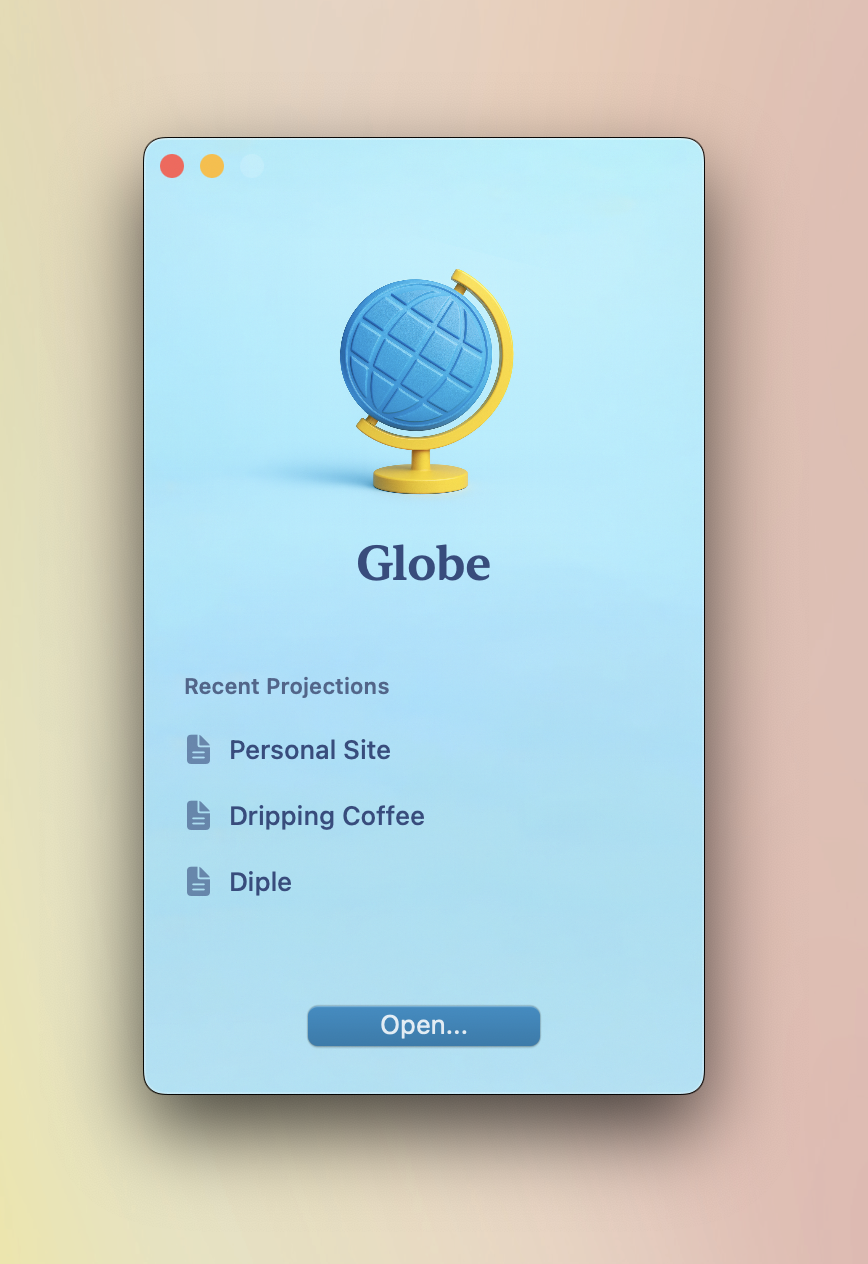
And, knowing I’d be authoring multiple projections, I couldn’t resist adding a nice little splash screen with recent documents.
My favorite part of Globe is a seemingly tiny detail that the experience just doesn’t work without: The entire top area of the window is draggable, just like any other app. This might not sound exciting at first, but note that there’s no system toolbar; the web view goes all the way up to the top of the window. Most web apps have some form of toolbar, but that’s web content, and the OS window management layer doesn’t know about it.
To achieve this behavior, I created a configurable area at the top of the window that intercepts mouse down events. If the mouse moves afterward, it’s interpreted as a window move gesture, and the click is not propagated to the underlying webpage. But if the mouse doesn’t move, then both the initial mouse down and the succeeding mouse up events are sent down into the web content. This setup makes web app toolbars behave effectively like modern OS toolbars. And, for the rare case where this behavior interferes with using the web app, the draggable area can be adjusted or disabled.

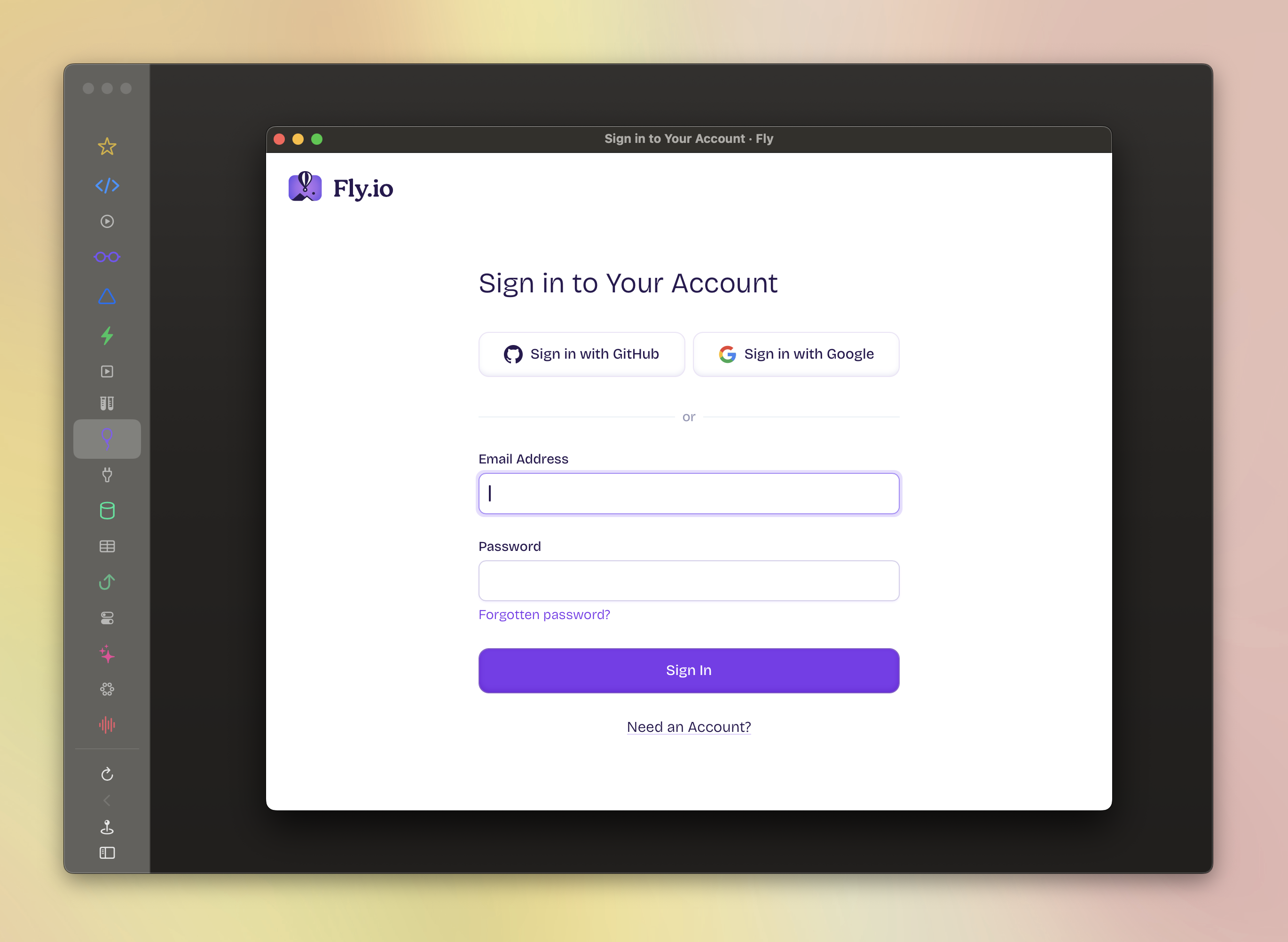
One of the biggest challenges in building Globe is that some webpages simply didn’t behave in the embedded web view — in one case, the sign-in form couldn’t be submitted! The workaround I settled on was popping up a standalone window for authentication when necessary.
Another challenge was keeping the transitions between tabs smooth, without consuming unbounded memory (one of those things browser makers have thought about for decades). The app keeps a handful of recently accessed tabs rendered and ready to swap in; for other tabs, it waits for initial web document load before switching the displayed view, to reduce the chances of flashes/flickering.
I definitely futzed with the details longer than I planned to. It was worth it, though, as Globe has become a central part of how I manage my other projects — at this point I can’t really imagine not having it. As the production costs of software continue declining, I think it’s possible for all of us to build the tools we dream of.